
How Android 17 Transforms the Google Pixel 10 Experience
With the stable release of Android 17 arriving imminently, the Google Pixel 10 series is getting a massive upgrade. Discover the key differences from Android 16, including Gemini Intelligence and new cross-device multitasking.
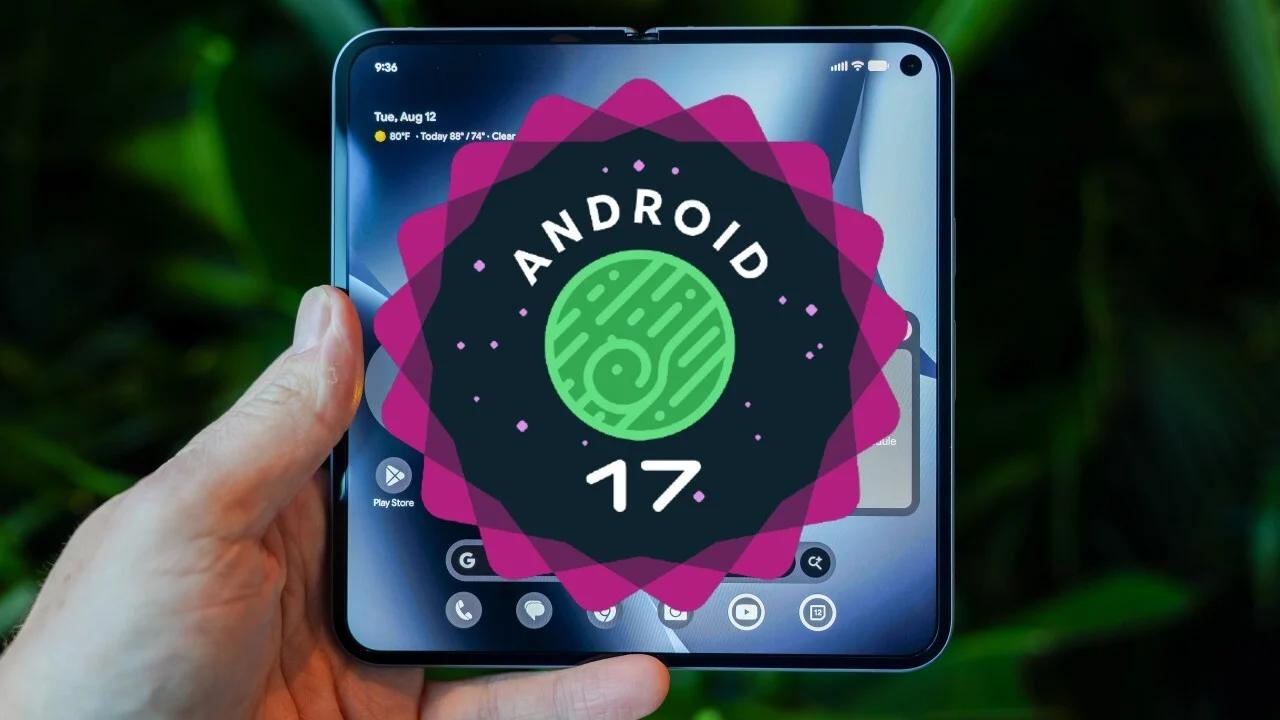
The wait for the next major mobile operating system upgrade is nearly over. Following the release of the final beta versions, the first stable version of Android 17 is likely to begin rolling out to the Google Pixel 10 series within the upcoming weeks.
With an expected launch window in June or July 2026, this rollout marks a significant shift in mobile capabilities, particularly for Google's newest hardware. Here is a comprehensive breakdown of what to expect from Android 17 and how it stacks up against its predecessor.
The Release Timeline and Eligibility
Google officially announced Android 17 during The Android Show on May 12, 2026. The operating system has been moving through its beta phases rapidly, with Beta 4.1 dropping in early June.
While the Pixel 10 series will headline the launch, Google is bringing the update to a wide range of its previous devices. The stable release will eventually be available for all Pixel devices starting from the Pixel 6 models up to the Pixel 10.
Android 17 vs. Android 16: The Major Upgrades
Android 16, which officially launched on June 10, 2025, focused heavily on visual consistency and productivity. It laid the foundation with Material 3 Expressive design, introduced desktop windowing for tablets, and brought real-time Live Updates to notifications.
Android 17 takes these foundations and heavily integrates advanced artificial intelligence and cross-device functionality.
Key Features of Android 17
Gemini Intelligence: This is the next level of AI deeply integrated into the operating system. It is designed to understand user context and perform complex automated tasks like filling out forms. Because of strict hardware requirements (needing at least 12 GB of RAM), this feature will be exclusive to devices like the Pixel 10.
Continue On: Google is introducing its own seamless device handoff feature. This allows users to start a task on their Pixel phone and instantly push it to another compatible Android device.
Lock-Screen Widgets: Users will gain much more customization power directly from their lock screens without needing to unlock the device.
Multitasking Bubbles: This feature aims to make navigating between active applications smoother and more intuitive.
Desktop Mode: Building upon the windowing introduced in Android 16, Android 17 offers a more robust desktop-like experience for capable devices.
Preparing for the Update
For users who want to be at the bleeding edge, enrolling in the Android Beta Program allows early access to the latest QPR (Quarterly Platform Release) betas. However, with the stable version expected imminently, most everyday users are better off waiting for the official over-the-air update to hit their devices in the coming weeks.